Introduction
Agentic GraphRAG is an open source Python framework that connects your documents, agent activity, and decisions in one graph. Your agents can find evidence, continue work across sessions, and revisit decisions when their sources change.
What it keeps in the graph
Agentic GraphRAG keeps three connected kinds of memory in one graph. Knowledge holds your documents with their sections, chunks, entities, relations, and community summaries. Working memory holds named tasks, an ordered log of what an agent said and called, and the steps of each task. Decisions hold conclusions with their rationale and the passages, events, or other decisions they rely on.
Add your documents and they become a knowledge graph shaped by your own schema. Agents search the graph, read the exact passage behind each result, and cite it. They record decisions that point to the passages they rely on. A later session picks a task up where it stopped, and a decision is flagged for review when a document behind it changes.
For example, a contract-review agent records a recommendation with passages from a contract and a policy. A later session retrieves the task and its decision. When the policy changes, the decision is flagged for review against the new text.
Three ways to use it
Use the Python library when you want direct control. Graph adds documents, the functions in agrag.evidence search and cite, and agrag.memory records tasks and decisions. Use build_agent for a task-scoped agent that searches your documents, records its work, and answers with numbered sources. Run agrag-mcp to give any MCP client tools for search, citation, and task and decision memory.
How it works
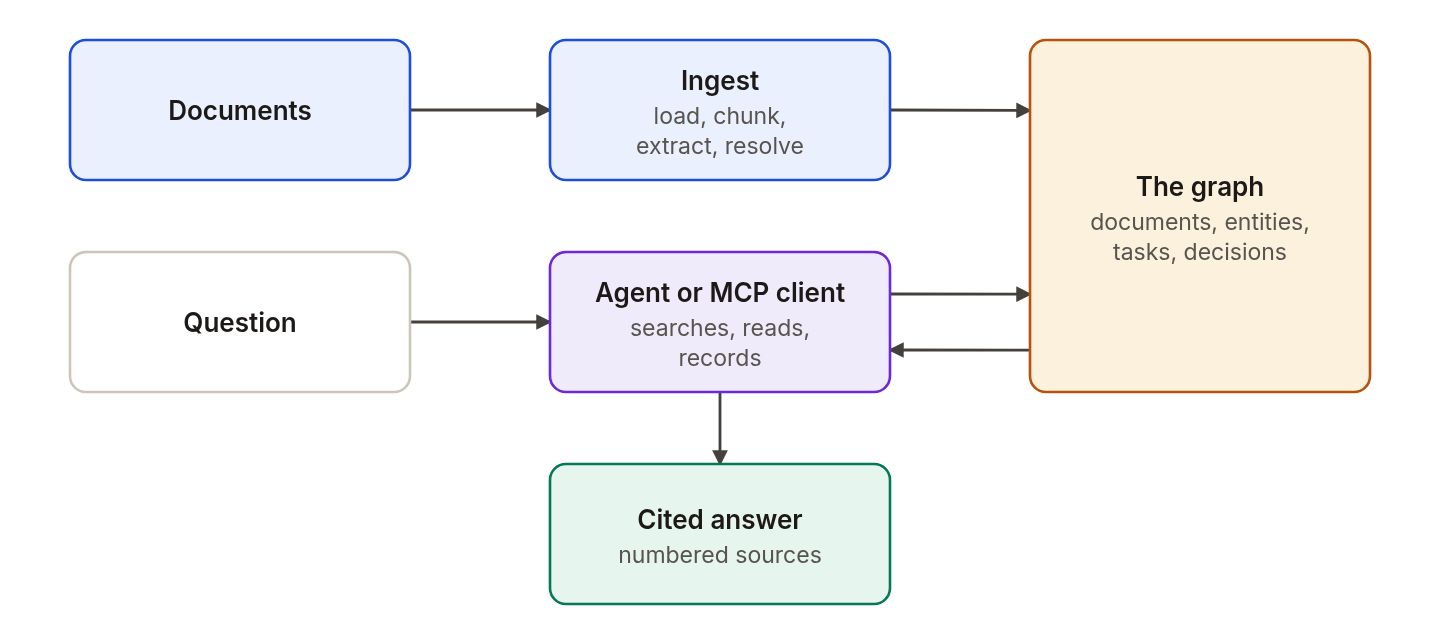
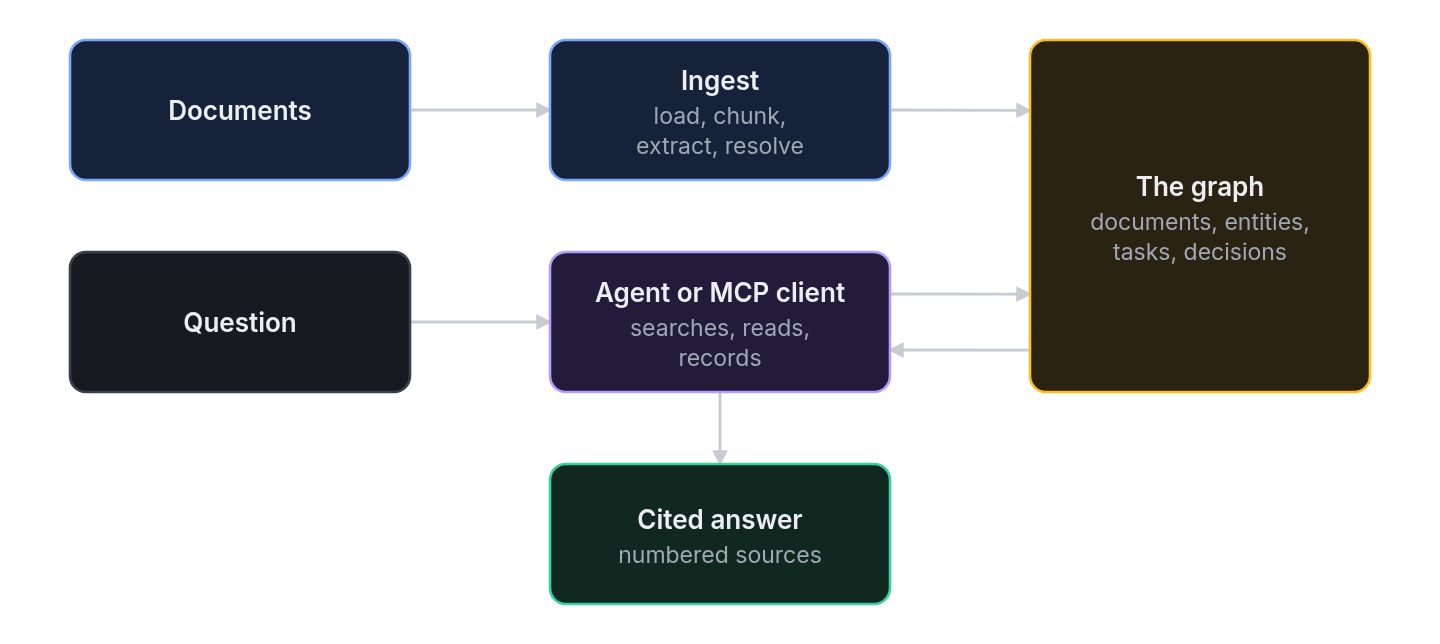
Ingestion builds the graph. The agent or MCP client reads it and records tasks and decisions in it.
- You add documents. Agentic GraphRAG loads them, splits them into chunks, and extracts entities and relations.
- Agentic GraphRAG resolves duplicate mentions and writes the graph and its indexes to the graph database.
- You ask a question. The agent discovers and fetches evidence from the graph.
- The agent checks its citations against the fetched evidence and writes an answer with numbered sources.
- The agent records its messages, tool results, and decisions under a named task.
Who it is for
Use Agentic GraphRAG if you build agents that answer from documents that you own, need answers that cite their sources, and want agents that continue a task across sessions. You can define your own entity and relation types.
What you need
- Python 3.11 or newer.
- A Neo4j database.
- An OpenAI-compatible LLM endpoint for the built-in agent. Embeddings and local extraction run on your machine.
Where to go next
- Quickstart: build a graph from one document and ask the agent a question.
- Features: the full list of what Agentic GraphRAG does.
- Installation: choose the extras that you need.
- Architecture: how the parts fit together.
- Find and cite evidence: search passages and check citations from Python.
- Run the MCP server: connect an MCP client.
- Record decisions and review them: tie a decision to its evidence.
- API reference: every class and function.